NestSpace User Guide
An experimental open-source project for running app-level virtual spaces on Android.
Quick start · App installation & management · Troubleshooting · GitHub
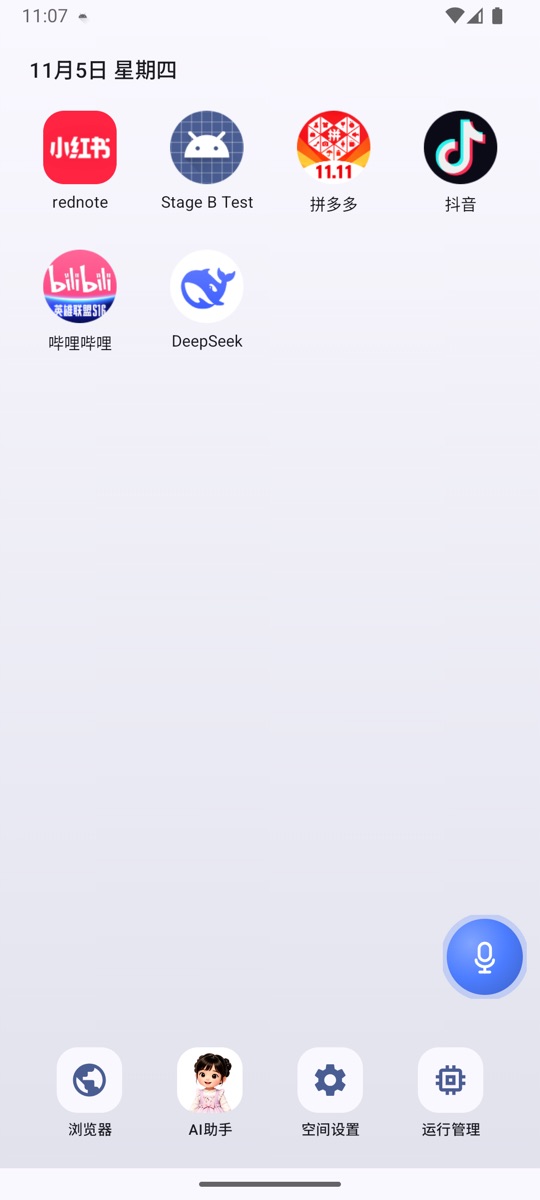
Why NestSpace
- No accessibility service required: Interface observation, tapping, and text input are handled directly through channels inside the app.
- No adb required: Installing APKs, duplicating apps, organizing the desktop, and using the AI assistant can all be done directly on the phone.
- No root required: Install it like an ordinary app; it does not modify the system.
- Broad Android version support: Android 7.0 (API 24) and later are supported; 7.1, 15, 16, and 17 have all been verified.
Limitations to know first
- App compatibility is the biggest variable: Not every app runs correctly; app hardening, native SDKs, and hot updates can all cause problems. These issues can be resolved one app at a time through adaptation; if you encounter one, feel free to open an issue.
- There is a limit on how many virtual apps can run at once: Limited by phone memory and container slots, at most 16 container processes can run simultaneously. They are managed automatically by default; when memory is tight, the least recently used background container is closed.
Guide contents
Usage
| Document | Contents |
|---|---|
| Quick start | Installation, first launch, importing apps, launching, and duplicating |
| App installation & management | APK / split installation, validation rules, instance and data isolation, uninstalling |
| Desktop & appearance | Desktop icons, folders, sorting, wallpaper, running apps |
| Settings | Every entry and option in Space settings |
| AI assistant | Model configuration, streaming chat, voice assistant, automatic memory/skill drafting, scheduled tasks |
| Built-in browser | Tabs, headless mode, downloads and uploads, proxy, hand to user |
| MCP control service | Computer connection, Token, LAN, CLI, external MCP |
| Troubleshooting | Installation failures, black screens, background reclamation, connection failures, and more |
Reference
| Document | Contents |
|---|---|
| Architecture & limitations | Container implementation, process model, and known boundaries |
| MCP tool reference | All MCP tools and parameters |
| App / website knowledge packs | Knowledge pack format, matching, and how to add one |
| Building from source | Environment requirements, build commands, and CI |
| nestspace-mcp CLI | Installing and using the command-line client |
| Technical design | Full technical design (development reference) |
Conventions
- In this documentation, "Space settings" refers to the Space settings icon on the desktop.
- "App management", "Model settings", and similar pages are secondary pages within Space settings.
- NestSpace is an experimental project; both app compatibility and the number of simultaneously running apps have limits. See Architecture & limitations for details.